Getting your bank account ID
4 min
Your company bank account is the account where funds settle to, and where payouts originate from. Every debit you collect and every credit you send references this bank account.
Before you can process any transactions, you’ll need to know your company bank account ID.
Prerequisites
- Access to the Jetpay dashboard
- Have completed onboarding (either sandbox or production)
In the sandbox environment, a dummy company bank account is automatically generated for you when your account includes the +$onboarded tag in your email.
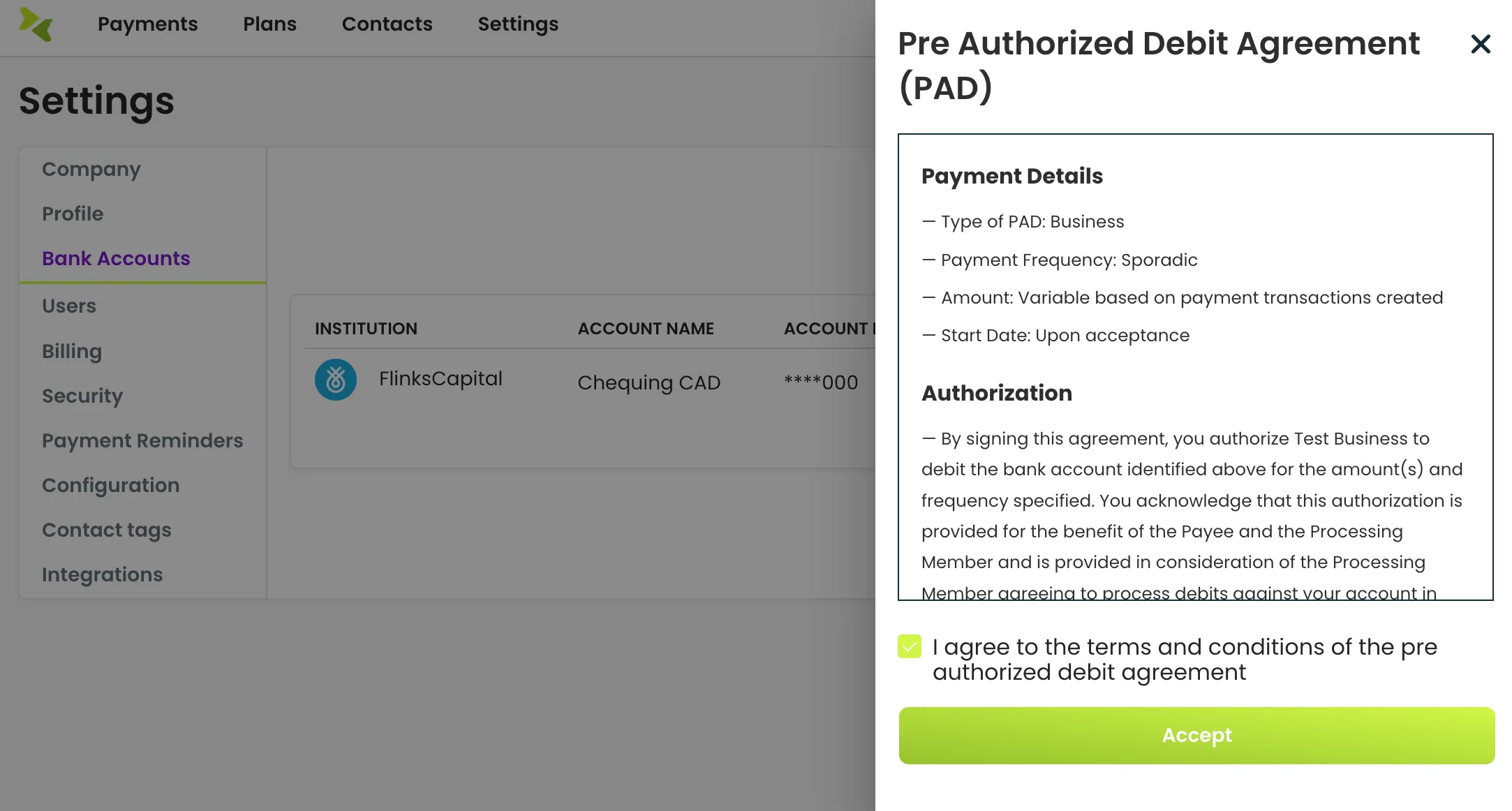
In production, your company bank account is added and verified during onboarding. You will be required to complete billing verification and sign a PAD agreement before transactions can be processed.
How to find your bank account
- Log into the Jetpay dashboard.
- Navigate to Settings > Bank Accounts.
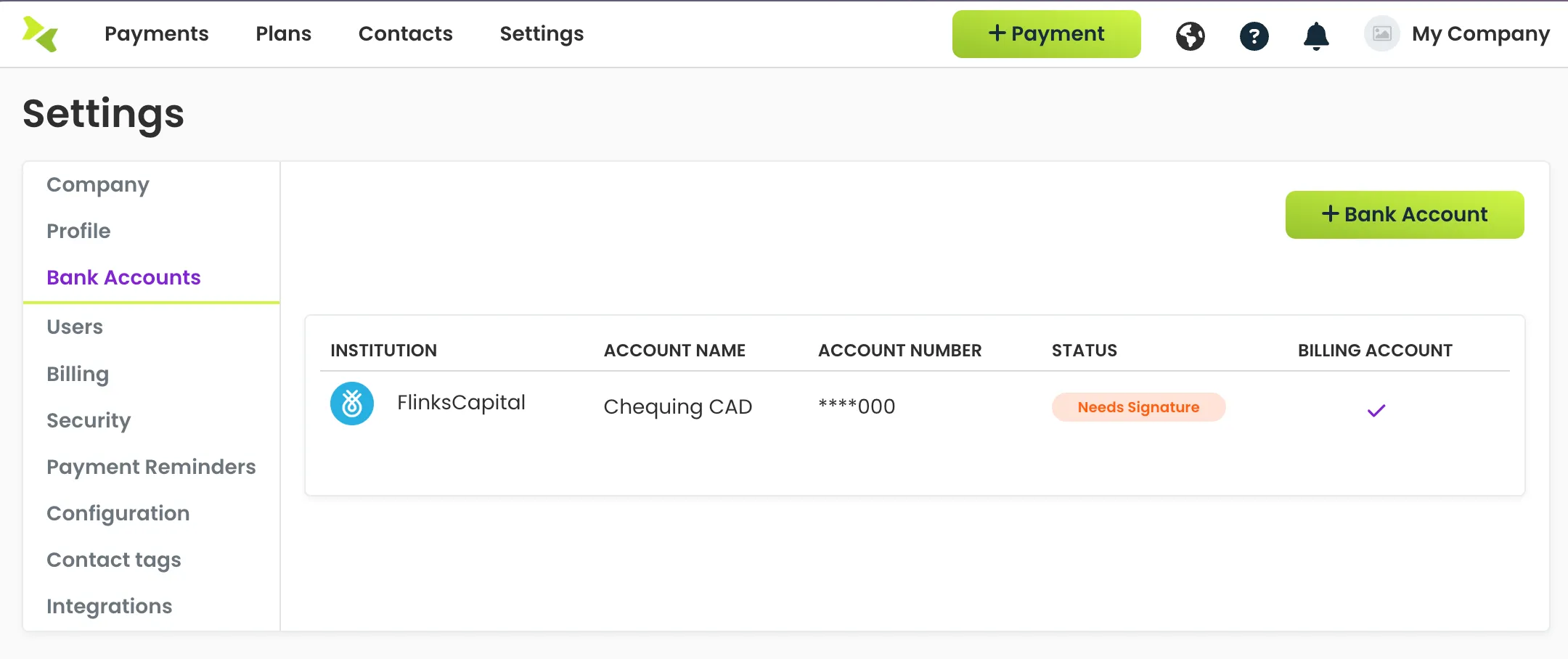
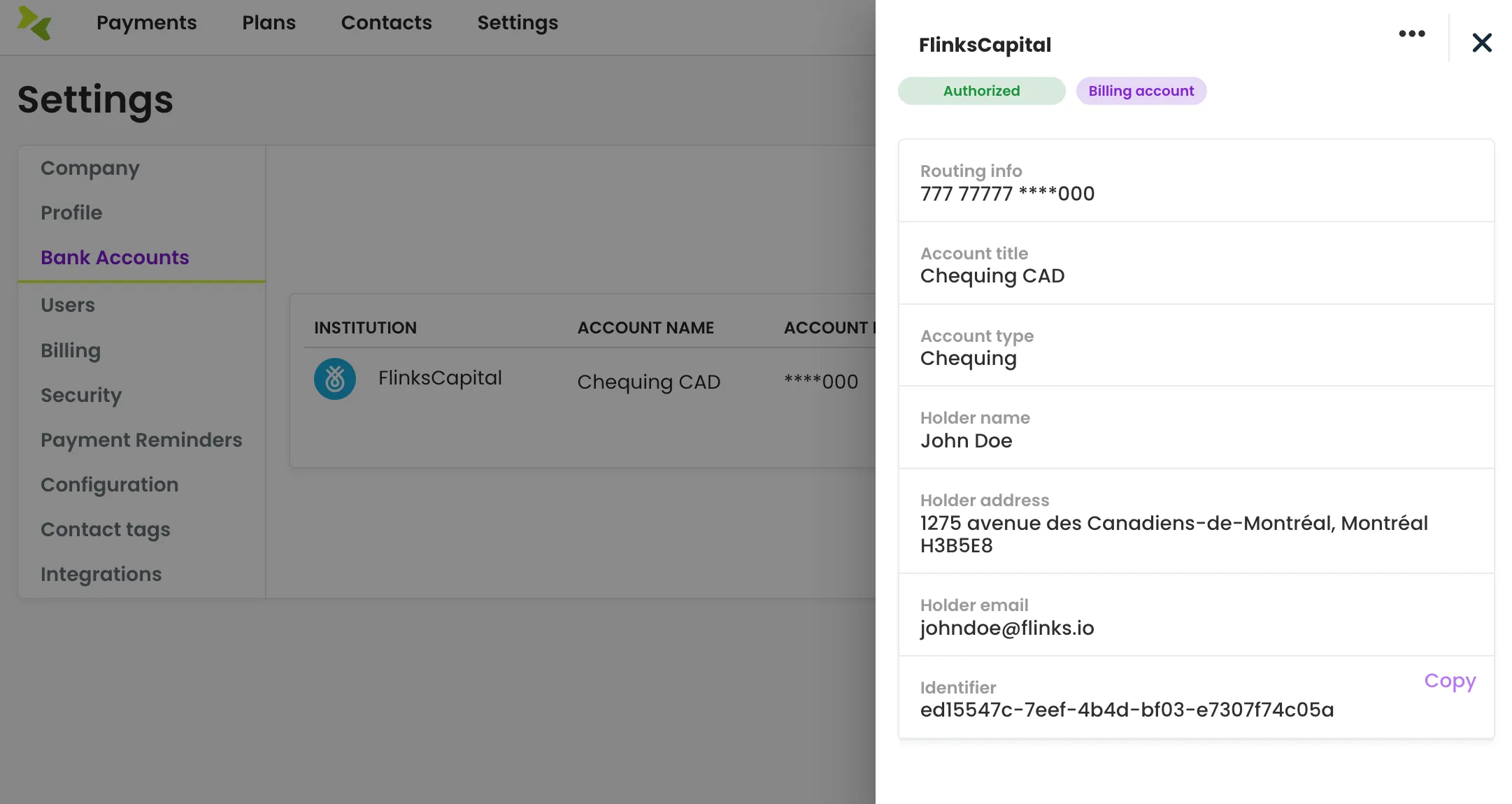
- Select your bank account to open up the detailed side panel.
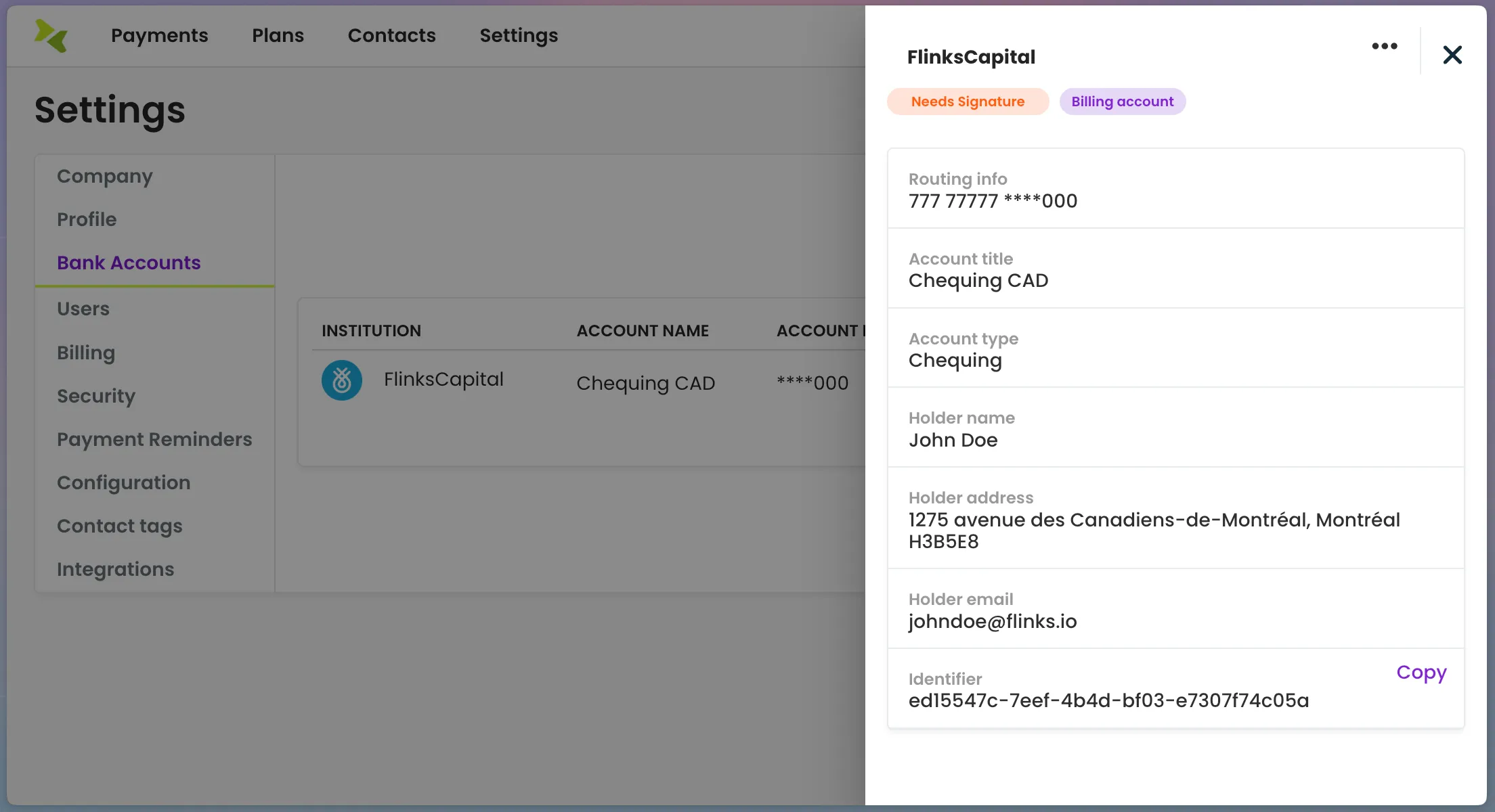
- Click the ellipsis selector in the top right corner, you will see the option to "Sign PAD".
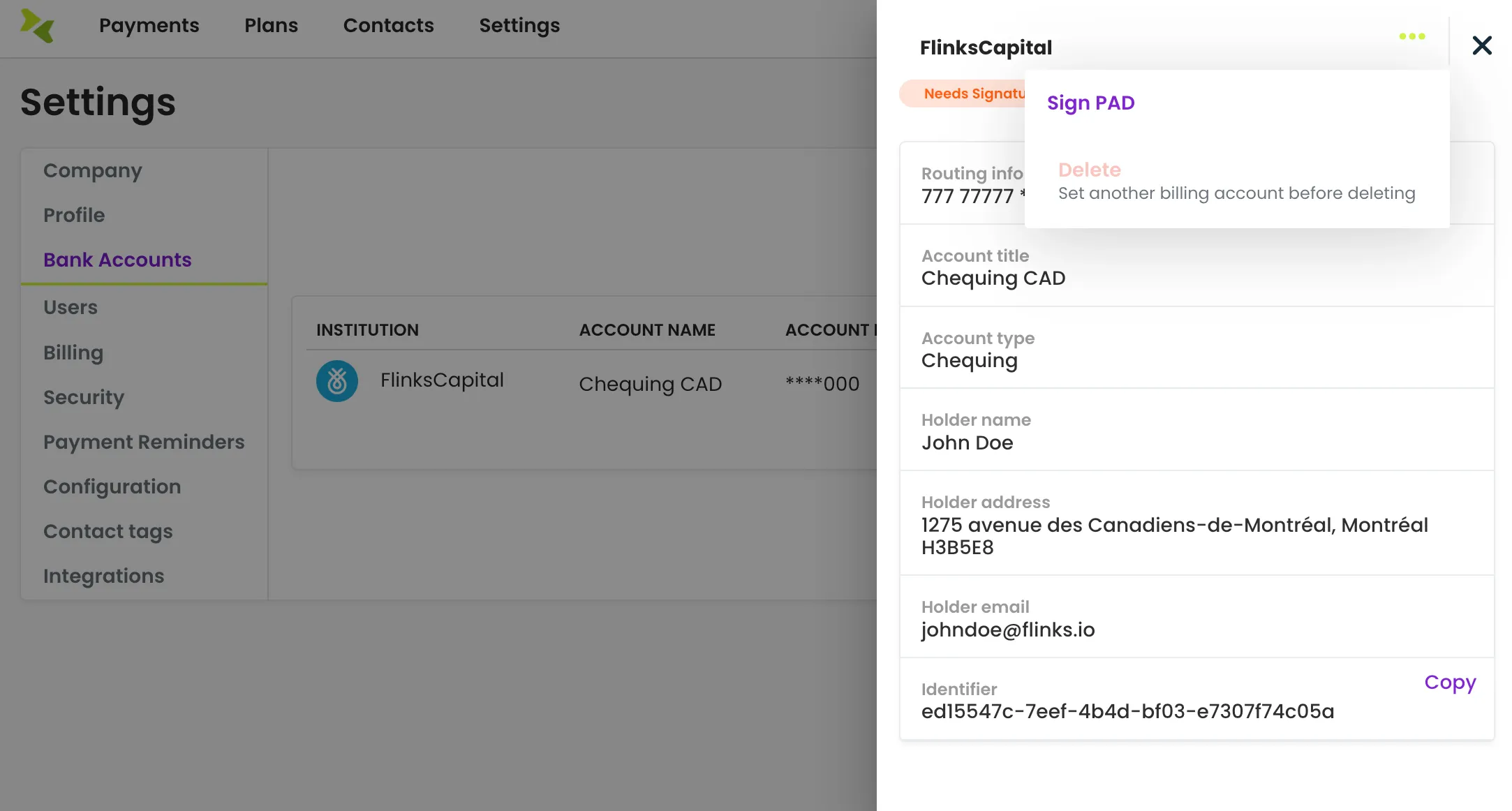
- Read through and agree to the PAD agreement.
- Grab the "Identifier" by clicking the "Copy" button in the bottom right corner.