Collect payment method at checkout
Use this flow when you need to collect payment details at the time of payment. This is ideal for guest checkout, one-time payments, or customers without a saved payment method.
This flow supports both credit card and EFT payment methods. The collection method differs by payment type, but the overall process remains the same.
Supporting multiple payment methods at checkout Platforms that want to support both credit card and EFT payments must implement their own payment method selection logic. Jetpay provides the underlying APIs for each payment type but does not provide a unified checkout interface. After creating the contact and debit transaction, route the customer through the appropriate payment flow based on their selected method.
Prerequisites
- Your company bank account ID where funds will be deposited
Flow overview
sequenceDiagram
    actor Customer
    participant Frontend as Platform Frontend
    participant Backend as Platform Backend
    participant Jetpay as Jetpay API

    %% Step 1: Create contact
    Backend->>Jetpay: Create contact
    Jetpay-->>Backend: contact_id

    %% Step 2: Create debit
    Backend->>Jetpay: Create debit
    Jetpay-->>Backend: debit_transaction_id

    %% Step 3: Prepare checkout
    Backend-->>Frontend: Checkout session info

    %% Step 4: Customer provides payment method
    Customer->>Frontend: Enter payment method

    alt Credit Card
        note right of Backend: Debit is paid automatically
        Jetpay-->>Backend: Payment result
    else EFT
        Backend->>Jetpay: Pay debit
        Jetpay-->>Backend: Debit status
    end
Implementation details
Create a contact
See exact endpoint schema here.
If you are not yet familiar with creating contacts with Jetpay, please review the Create a contact guide.
Create a debit transaction
Once the contact is created, a debit transaction must be created for the amount being collected. You can view the creation of the debit transaction as creating a "payment intent" that has no payment method attached to it yet.
The debit is created in a "requested" state and will be completed once payment details are attached and the transaction is paid.
Use your contact ID (contact_id) and your merchant bank account ID (to_bank_account) to create a debit transaction.
BASE_URL="https://extapi.demo.jetpay.baselinepayments.com"
API_TOKEN="<YOUR_API_TOKEN>"

curl -X PUT "$BASE_URL/debit" \
  -H "Authorization: Bearer $API_TOKEN" \
  -H "Content-Type: application/json" \
  -d '{
    "amount": 10000,
    "statement": "Test Statement",
    "note": "Test Note",
    "to_bank_account": "platform_bank_abc",
    "contact_id": "contact_123"
  }'
Collect payment method details and pay the debit
At this stage, the implementation diverges depending on the payment type.
See either Credit card checkout example or EFT checkout example for sample implementation. You will see that the create debit endpoint request is the same, regardless of payment method type you plan to accept.
Option A: Bank account
For EFT payments, you must collect the customer's bank account details and PAD agreement before paying the debit.
Jetpay does not yet provide a hosted bank collection form. You are responsible for presenting a secure form in your application to collect bank details.
If you plan to manage your own PAD agreements, please see our PAD agreement requirements.
Option B: Credit card
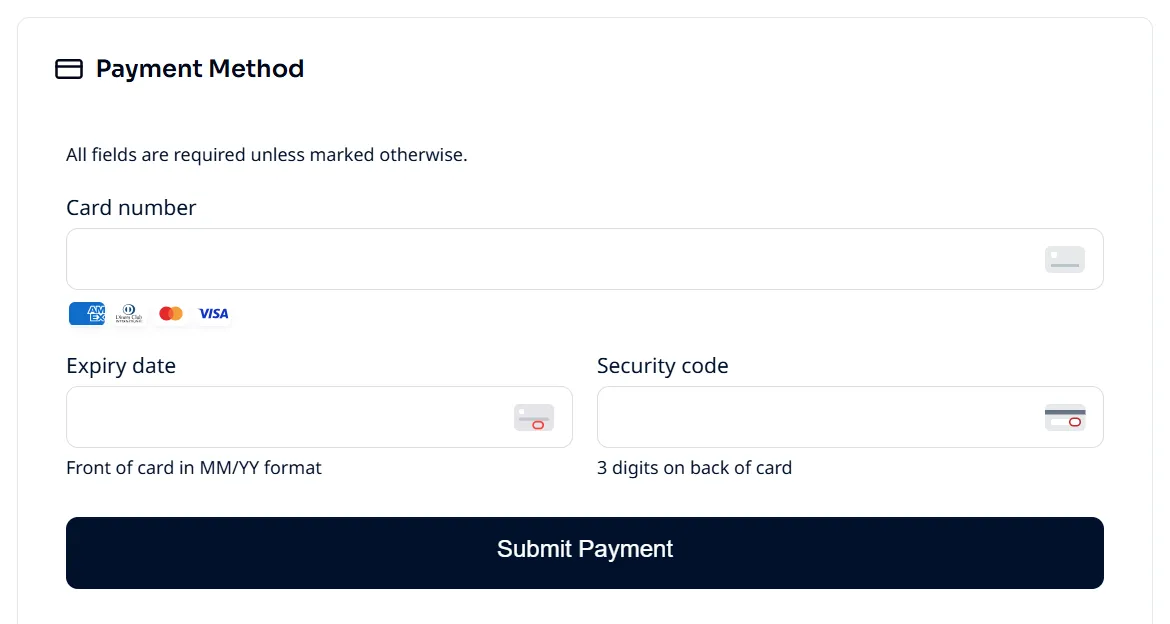
For credit card payments, collect card details by retrieving a single-use payment URL and render it in an iframe to securely collect card details and pay the debit.
Track status updates via events/webhooks
As the transaction moves through its lifecycle, an Event is created for each state update. The most efficient way to track these updates in your system is to register for webhooks. If you are not yet familiar with our webhooks system, please review the Events and webhooks guide.